
Monitor Arm or Stand — How to Pick the Right One for Your Setup
The complete buyer’s guide: VESA, weight, screen size, mount type, and setup scenarios — with real product recommendations from BAM UAE.
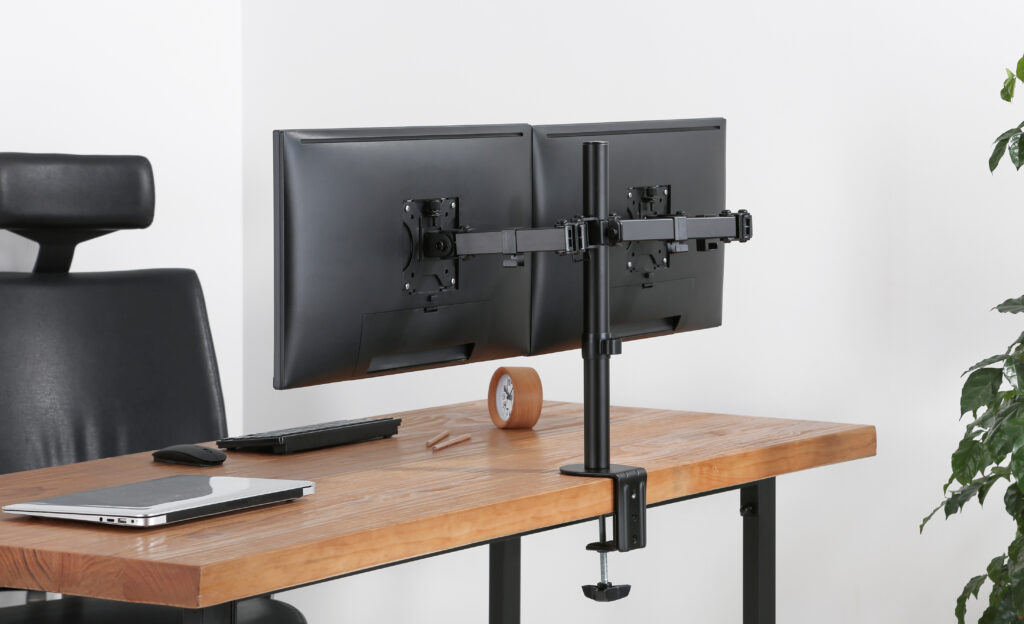
Step 1: How Many Monitors Are You Running?
This is your first filter, and it narrows everything down fast. Monitor mounts are built specifically for single, dual, triple, or quad configurations — and using the wrong one for your count means either overpaying or under-engineering your setup.
Single Monitor
The most common setup. You have one screen — likely somewhere between 24″ and 32″ — and you want it off the stand that came with it. A single desk arm or freestanding monitor stand is what you need. Options range from economy fixed-position stands to premium gas spring arms with full motion control.
BAM pick: Economy Single Screen Monitor Arm (91-LDT13C012E) — spring-assisted, fits 17–32″ screens, clamp and grommet options. Or upgrade to the Newstar Premium Aluminum Arm (91-LDT53C012) if you want smoother full-motion adjustment.
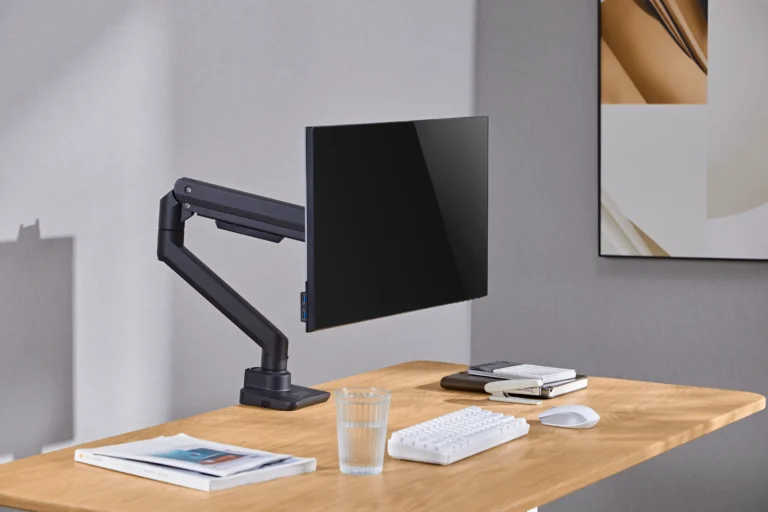
Dual Monitor
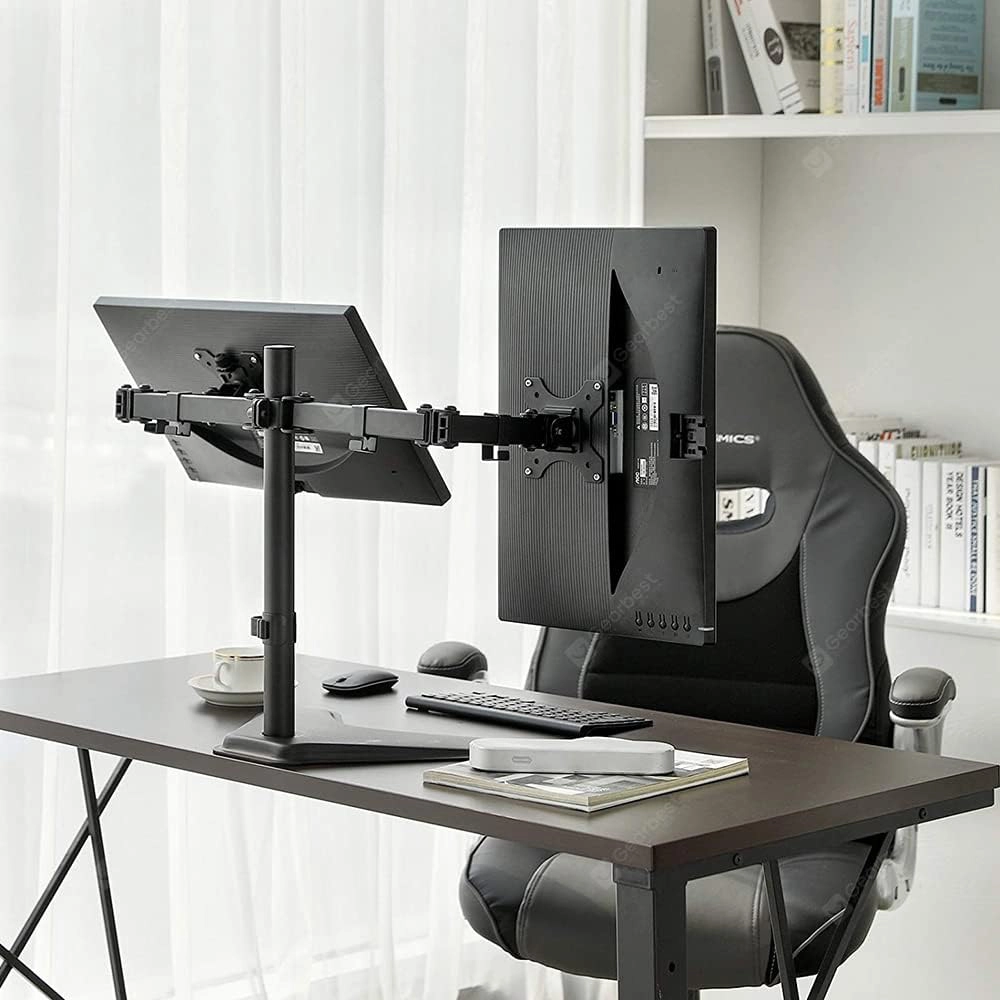
Two screens side by side — common in home offices, trading desks, and developer setups. You’ll want a dual arm that keeps both screens at the same height and lets you angle each one independently. Pay attention to whether your mount is horizontal (side by side) or vertical (stacked).
BAM pick: Dual Monitor Economy Articulating Stand (91-LDT12T024N) for budget-friendly setups, or the Dual Screens Heavy-Duty Aluminum Arms (91-LDT38C02) for a more premium, aluminium build.
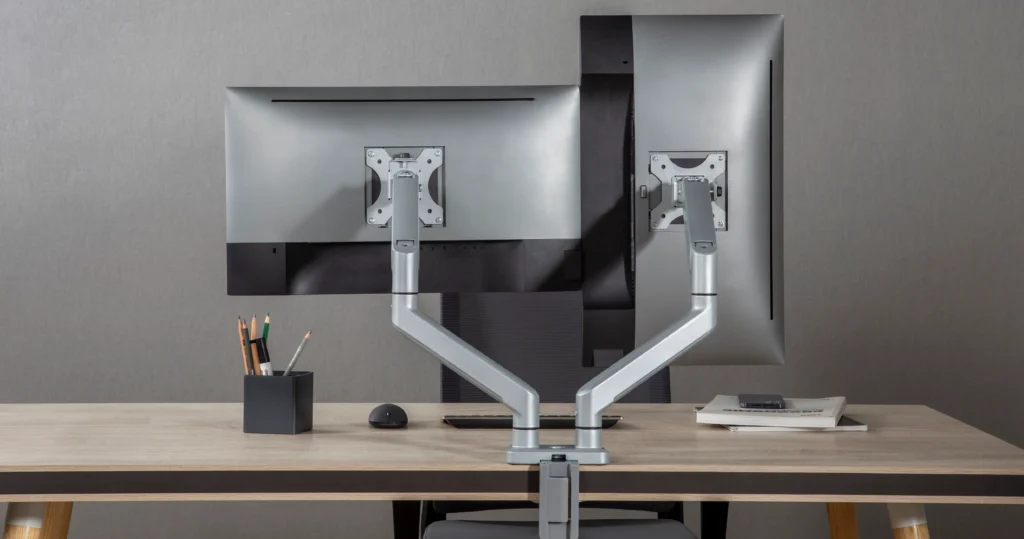
Triple and Quad Monitor
Used by traders, video editors, broadcast teams, and serious power users. These mounts use a central pole or beam to hold three or four screens in a structured array. Stability and cable management become critical at this count — you do not want a wobbly quad setup.
BAM pick: NEWSTAR Triple Monitor Stand (91-LDT07C036) for three screens, or the Quad Monitor Freestanding Stand (91-LDT12T048N) for four — no desk drilling needed, includes clamp and grommet options.
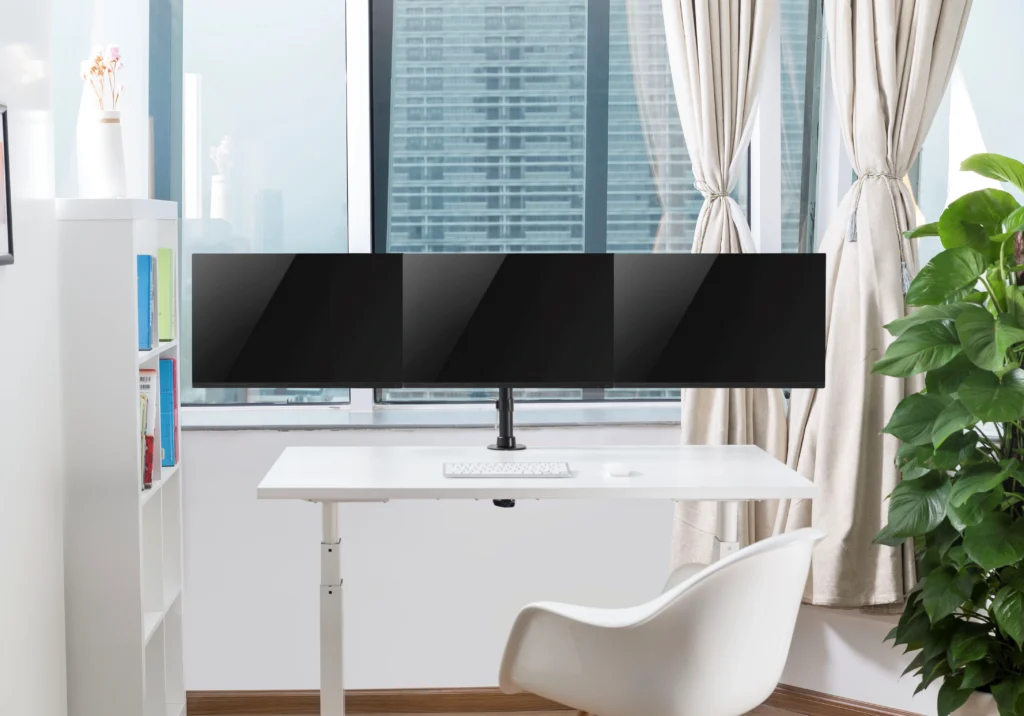
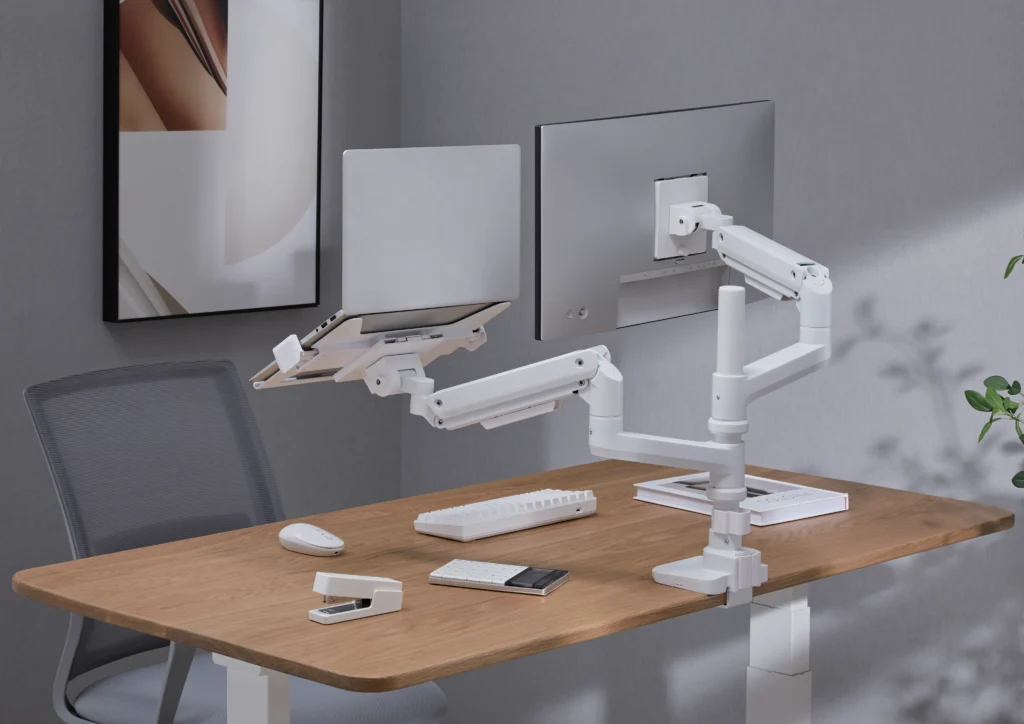
Laptop + Monitor Combo
If you’re running a laptop alongside an external monitor, a dedicated combo arm lets you mount both cleanly. The laptop tray holds your machine at the right angle while your monitor arm does its job — all from one clamp point on your desk.
BAM pick: Articulating Monitor Arm with Laptop Holder (91-LDT12C1M2KN) — supports 13–32″ monitors and laptops up to 15.5″. One clamp, one clean desk.
Step 2: Check Your Monitor’s Size and Weight
This step is non-negotiable. Every monitor arm has a rated screen size range and a maximum weight capacity — and if your monitor falls outside either of those, the arm will either sag over time, tilt awkwardly, or in worst cases become a safety risk.
Screen Size
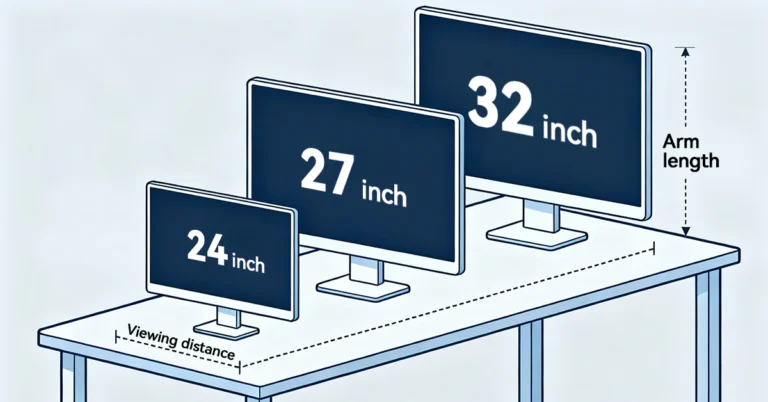
Standard monitor arms cover screens from 13″ to 32″. If you’re running anything larger — think 34″ ultrawide, 38″ curved, or a monster 49″ super-ultrawide — you’ll need a heavy-duty arm specifically rated for oversized displays. Do not assume your 49″ screen will sit fine on a standard arm. It will not.
- 13″–27″: Fits most standard economy arms. Plenty of options at every price point.
- 27″–32″: Still covered by most arms, but confirm the weight capacity — larger screens are heavier.
- 32″–49″ (ultrawide/curved): You need a heavy-duty arm. Look for models rated to 20 kg and 49″ or above.
BAM pick for ultrawides: Heavy Duty Gas Spring Monitor Arm 17–49″ (91-LDT69C012) — rated to 20 kg, handles ultrawide and curved screens, VESA 75×75 and 100×100.
Monitor Weight
Find your monitor’s spec sheet — it’s on the manufacturer’s website or on the box. Weigh it without the stand, not the shipping weight. Most standard 24″ monitors sit around 3–5 kg. Large 32–49″ monitors can push 8–15 kg. A standard arm that tops out at 8 kg will slowly drift downward under a 12 kg screen. You will be constantly readjusting it.
Curved vs Flat
Curved monitors need the same VESA compatibility as flat ones, but they’re usually heavier and wider. If your curved screen falls in the ultrawide category (34″+ with a strong curve radius), confirm the arm is specifically rated for it. BAM’s heavy-duty gas spring arms handle both flat and curved screens across most common sizes.
Step 3: Understand Your VESA Pattern
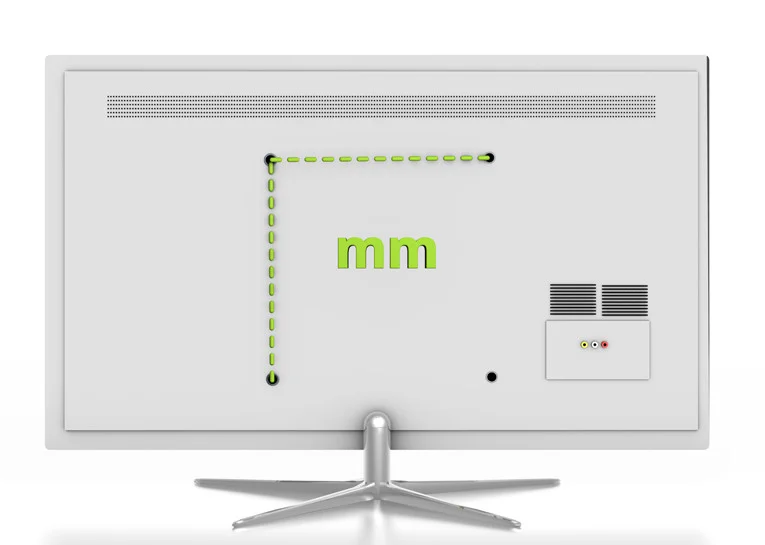
VESA (Video Electronics Standards Association) is the universal mounting standard for monitors and mounts. On the back of your monitor, there’s a set of four screw holes arranged in a square pattern. That pattern is your VESA size.
- VESA 75×75 mm: Found on smaller and thinner monitors, typically under 24″.
- VESA 100×100 mm: The most common size. Covers the vast majority of monitors from 24″ to 49″.
- Non-VESA or proprietary mounts: Some ultra-thin monitors and all-in-ones (like older iMacs) don’t have standard VESA holes. You’ll need a VESA adapter — BAM recommends confirming compatibility before purchase.
How to check: Turn your monitor around. If you see four screw holes in a square arrangement, measure the distance between them (centre to centre). That’s your VESA size. Most BAM Newstar monitor arms support both 75×75 and 100×100 mm — so they’ll fit most setups straight out of the box.
Step 4: Clamp, Grommet, Freestanding, or Wall Mount?
How the arm attaches to your desk (or wall) affects stability, desk compatibility, and how permanent the installation is. Let’s break down each type.
Desk Clamp (C-Clamp)
A clamp fixes to the edge of your desk — no drilling required. It’s the most common mounting method, and the easiest to set up and remove. The only variable is your desk thickness — most clamps work with desks from 10 mm to 80 mm thick, which covers the vast majority of standard desks.
Best for: Home offices, renters, anyone who wants flexibility without committing to permanent installation. Almost all BAM monitor arms include a clamp option.
Grommet Mount
This goes through a pre-drilled hole in your desk (typically 20–40 mm diameter). Grommets are more permanent than clamps and often provide a cleaner, more integrated look. Many office desks come with grommet holes already built in.
Best for: Office environments, sit-stand desks, or anyone who wants a flush, tidy installation without the clamp arm sitting on the desk edge.
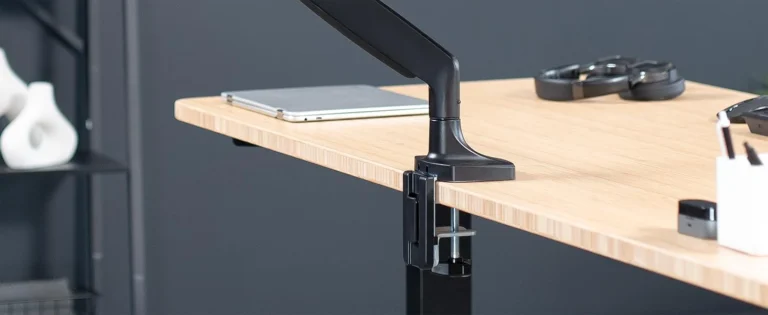
Table Top
Some arms sit on a freestanding pole rather than clamping to the desk. This is ideal for setups where desk-edge clamping isn’t possible — for example, on thick wooden slab desks, glass tops, or desks where you simply don’t want a clamp visible.
BAM pick: Single Monitor Pole-Mounted Spring Arm (91-LDT20C012P) — slim aluminium build, spring-assisted, fits 17–32″
screens.
Wall Mount
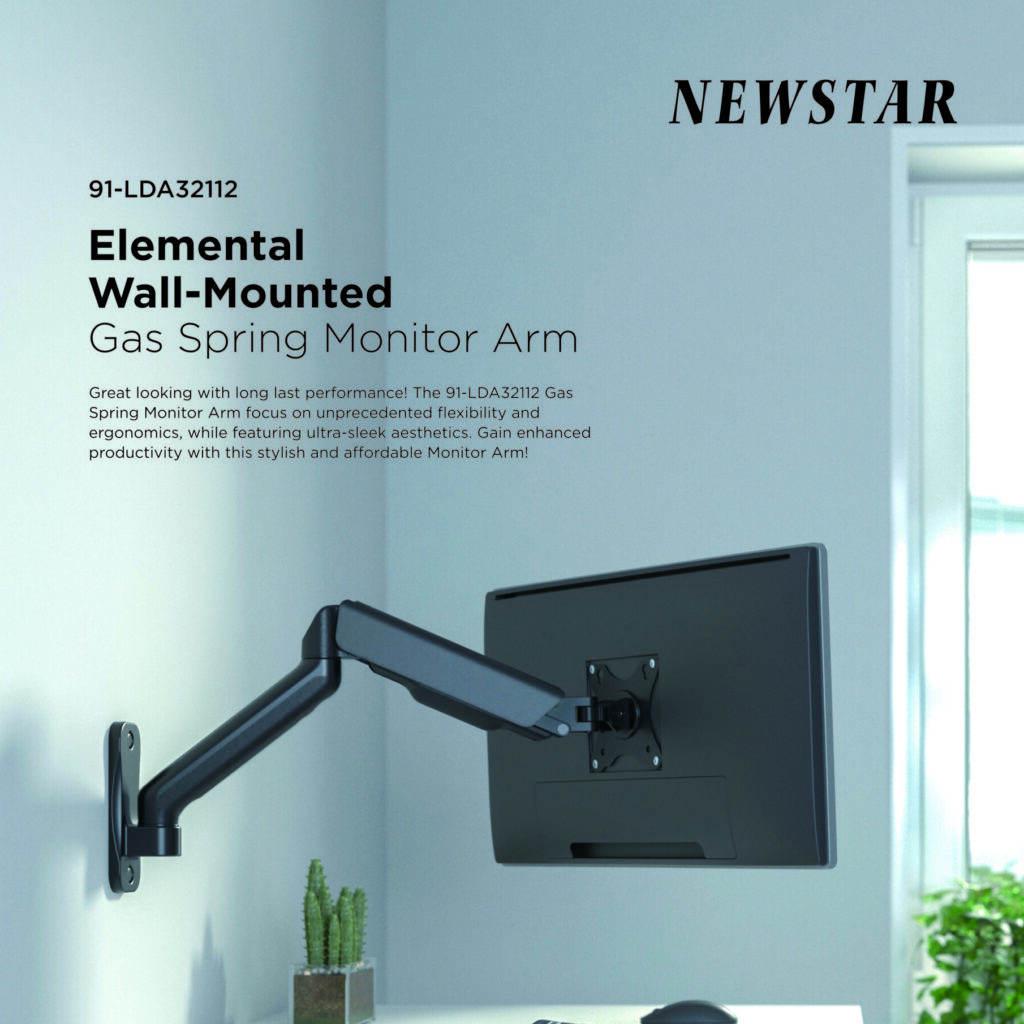
For screens that don’t need to move — think boardrooms, reception desks, bedroom setups, or retail displays — a wall mount keeps everything clean with zero desk footprint. BAM’s wall-mounted dual monitor options also suit studio setups where arm reach and desk positioning are limited.
BAM pick: Cost-Effective Spring-Assisted Dual Monitor Wall Mount (91-LDA32114E) — spring-assisted wall bracket for two 17–32″ screens.
Step 5: Gas Spring, Spring-Assisted, or Fixed Stand?
This is about how the arm moves — and how much effort it takes to reposition your screen. Here’s the difference in plain English.
Gas Spring Arms
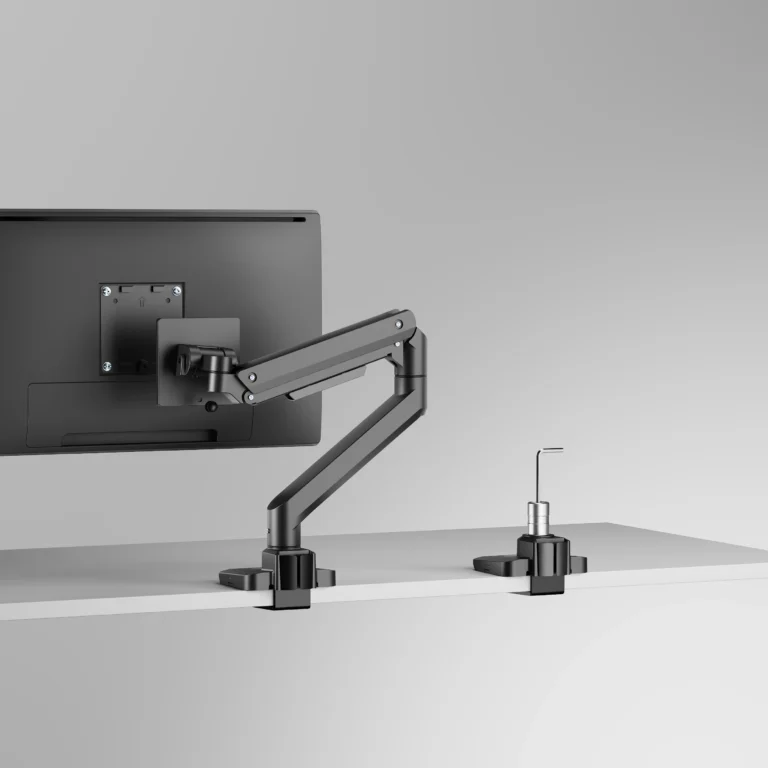
Gas spring arms use a pressurised gas cylinder (think: the mechanism in a car boot) to create smooth, near-effortless height adjustment. You can lift or lower your monitor with one finger and it stays exactly where you put it. These are the premium tier — best for setups where you frequently reposition your screen, or for heavier monitors that would otherwise cause spring-assisted arms to droop.
BAM pick: Heavy Duty Gas Spring Arm 17–49″ (91-LDT69C012) — 20 kg capacity, full motion, ideal for ultrawide and gaming setups.
Spring-Assisted (Mechanical Spring) Arms
These use a mechanical coil spring. They’re lighter, typically more affordable, and still offer solid full-motion adjustment. The spring tension can usually be adjusted with an Allen key to match your monitor’s weight. For most standard 24″–32″ monitors, a spring-assisted arm does the job extremely well.
BAM picks: Economy Spring-Assisted Single Arm (91-LDT13C012E) and NEO Slim Mechanical Spring Arm (91-LDT68C012) — slim, clean, and full-motion for everyday screens.
Fixed Position Stands
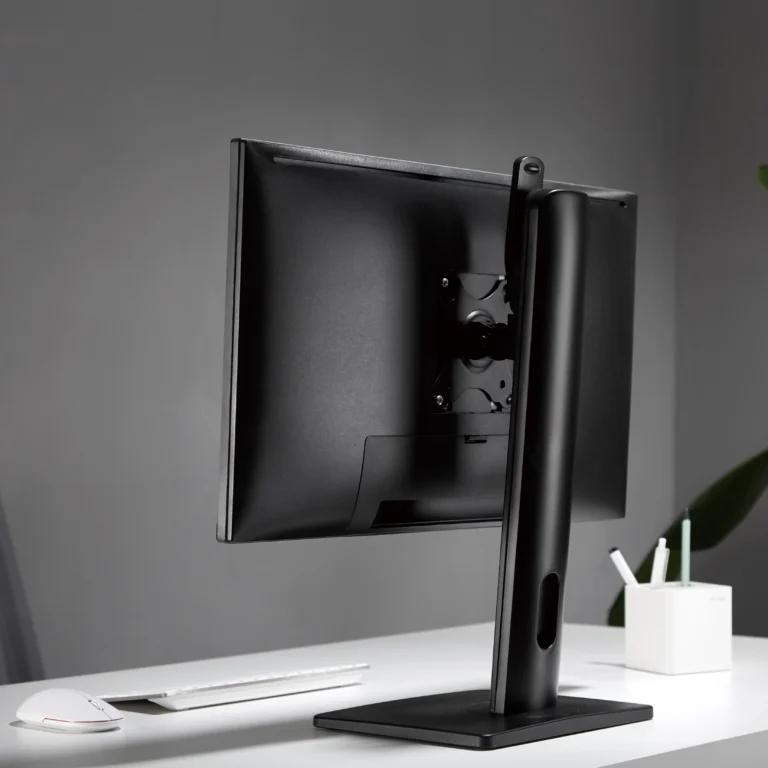
Not everything needs to move. If you want your monitor at one height and one angle — a home media setup, a reception kiosk, a permanent office workstation — a fixed stand is more stable, simpler, and more affordable than a fully articulating arm. BAM’s freestanding single-monitor stands are solid options in this category.
BAM pick: Single Monitor Freestanding Desk Stand (91-LDT12T01) — fits 13–32″ screens, freestanding, AED 70.
Match Your Setup — BAM’s Recommendations by Scenario
If you’ve read this far, you probably have a clear picture of what you need. Use this quick reference table to find the BAM product that fits your scenario:
Setup Type | Who It’s For | Mount Type | BAM Recommendation |
Home Office | Single monitor, clean desk, value-conscious | Desk arm or stand, clamp | |
Gamer | Ultrawide or 27″+ curved, needs quick angle changes | Gas spring arm, clamp | |
Corporate Office | Dual monitors, cable management critical | Dual arm, clamp or grommet | |
Trader / Power | Triple or quad screens, long hours, fixed positions | Quad/triple stand, grommet | |
Laptop + Monitor | Mixed setup: laptop on tray + external monitor | Monitor + laptop combo arm | |
Wall-Mounted | Fixed screen in bedroom, boardroom or reception | Wall mount, fixed or grommet |
Quick Checklist: Before You Add to Cart
Run through these 10 points before buying any monitor arm or stand. If you can answer everyone, you’re buying the right product.
What to Check | What to Look For |
Monitor size | 13–27″? 27–32″? 32–49″ ultrawide? |
Monitor weight | Check your manual or manufacturer website — do NOT guess |
VESA pattern | 75×75 mm or 100×100 mm? Check the back of your screen |
Desk thickness | Most clamps work with 10–80 mm — measure before buying |
Flat or curved? | Curved screens often need heavy-duty or ultrawide-rated arms |
How many monitors? | Single / dual / triple / quad — this narrows everything down |
Desk or wall mount? | Do you have a solid wall nearby? Renting? Go with desk arm |
Budget range | Economy single from AED 70 · Heavy duty ultrawide from AED 199 |
Laptop in the mix? | Add a laptop holder combo arm instead of a separate stand |
Cable management? | Look for arms with integrated cable channels — keeps it clean |
Frequently Asked Questions
What is a VESA mount, and how do I check if my monitor is VESA compatible?
VESA (Video Electronics Standards Association) is the international standard for monitor mounting hole patterns. The most common sizes are 75×75 mm and 100×100 mm. To check, turn your monitor around and look for four screw holes arranged in a square on the back panel. Measure the distance from centre to centre — that’s your VESA size. If there are no holes, your monitor may require a VESA adapter.
Can I use a monitor arm on a glass desk?
Standard C-clamps are not designed for glass desks — the pressure can crack the surface. You’ll need a monitor arm with a pad-style clamp specifically rated for glass, or a freestanding pole mount that doesn’t attach to the desk surface at all. Contact BAM if you have an unusual desk setup and need advice.
What’s the difference between a monitor arm and a monitor stand?
A monitor stand typically sits on your desk and raises your screen to a fixed height — no clamping, no drilling. A monitor arm mounts to the desk (via clamp or grommet) and offers full articulation: tilt, swivel, height adjustment, and rotation. Arms are more flexible; stands are simpler and often more affordable.
Do monitor arms work with curved monitors?
Yes — as long as the arm is rated for the screen’s size and weight, and the monitor has a standard VESA mount on the back. Curved ultrawide monitors (34″–49″) typically need heavy-duty arms rated to 15–20 kg. BAM’s 91-LDT69C012 gas spring arm is specifically designed for this use case.
How do I know if my desk is thick enough for a C-clamp monitor arm?
Most standard monitor arms with C-clamps accommodate desk thicknesses between 10 mm and 80 mm. Measure your desk edge with a ruler. If your desk is thicker than 80 mm (common with solid wood slab desks), look for a grommet mount or freestanding pole option instead.
Are monitor arms good for gaming setups?
Absolutely. A gas spring monitor arm lets you instantly adjust your screen angle between gaming and desktop use, keeps your desk surface clear, and holds even large curved gaming monitors securely. For ultrawide gaming monitors above 32″, BAM recommends a heavy-duty arm rated to 20 kg.
Shop Monitor Mounts in the UAE — Fast Delivery from BAM
BAM (Bait Almajara Trading L.L.C.) is a Dubai-based supplier of mounting solutions, AV accessories, and power products — serving home users, corporate offices, system integrators, and facility management teams across the UAE and GCC.
All monitor mounts are sourced from Newstar — a globally trusted mounting brand — and are available for immediate dispatch across the UAE.
- 24-hour delivery across the UAE (subject to location)
- Bulk and wholesale orders accepted for offices and facility managers
- Installation available (subject to location)
- Exchange and returns available under BAM’s standard terms
Browse the full monitor mount range at bam.ae/product-category/monitor-mount, or contact the BAM team directly on WhatsApp: +971 52 374 3008.
Not sure which mount is right for you? Message BAM with your monitor model — they’ll recommend the best fit from the full Newstar range.