
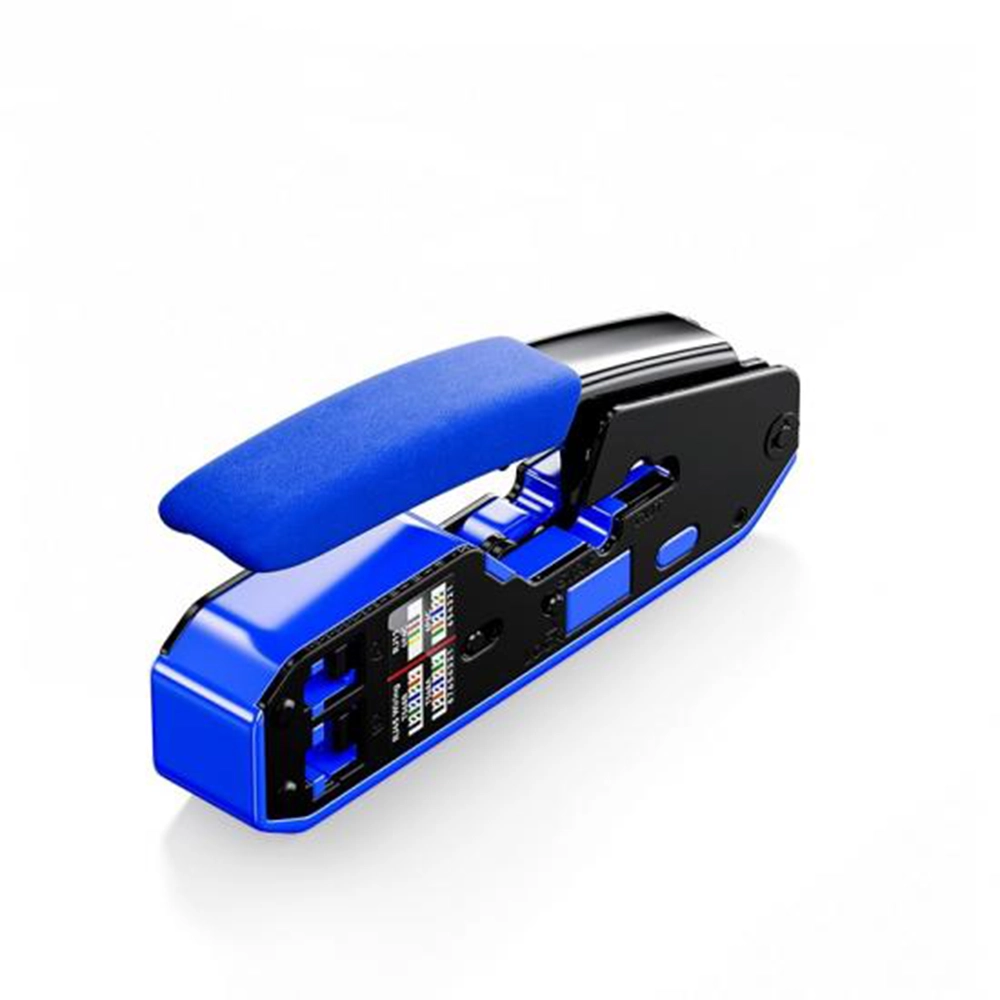
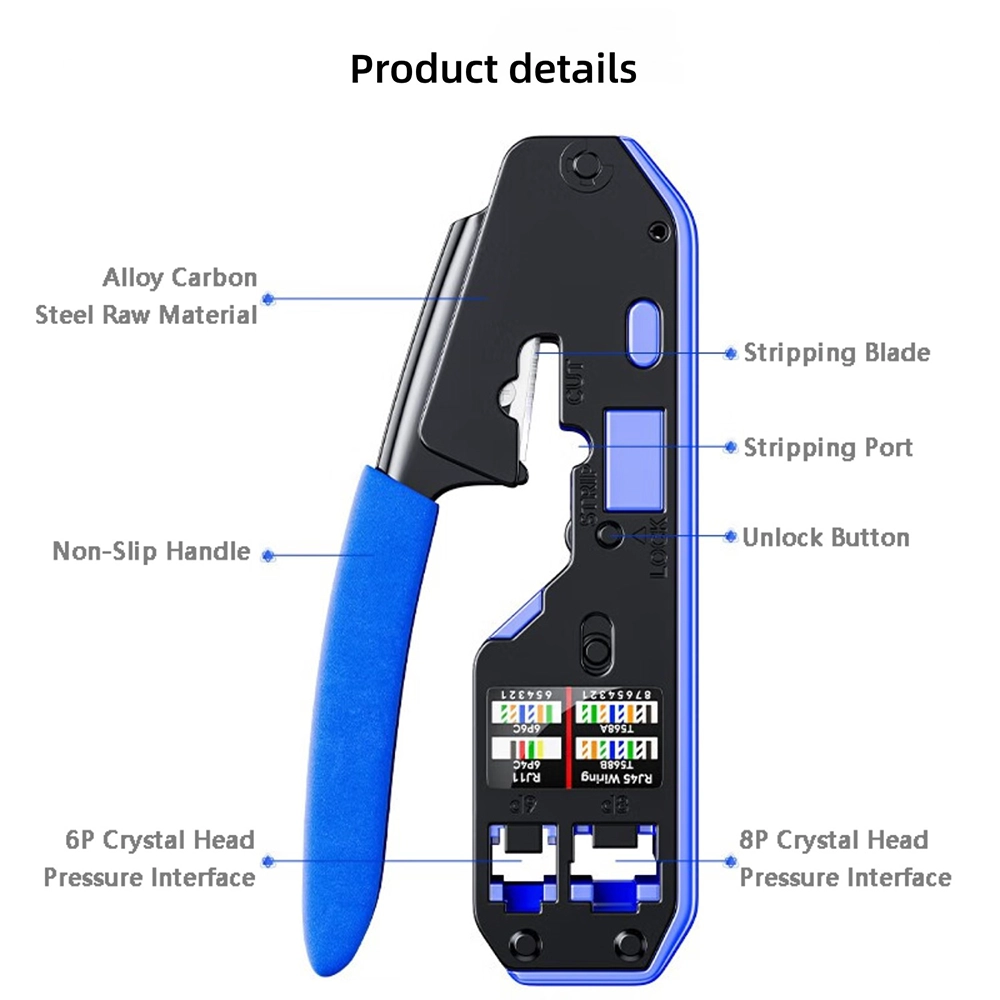
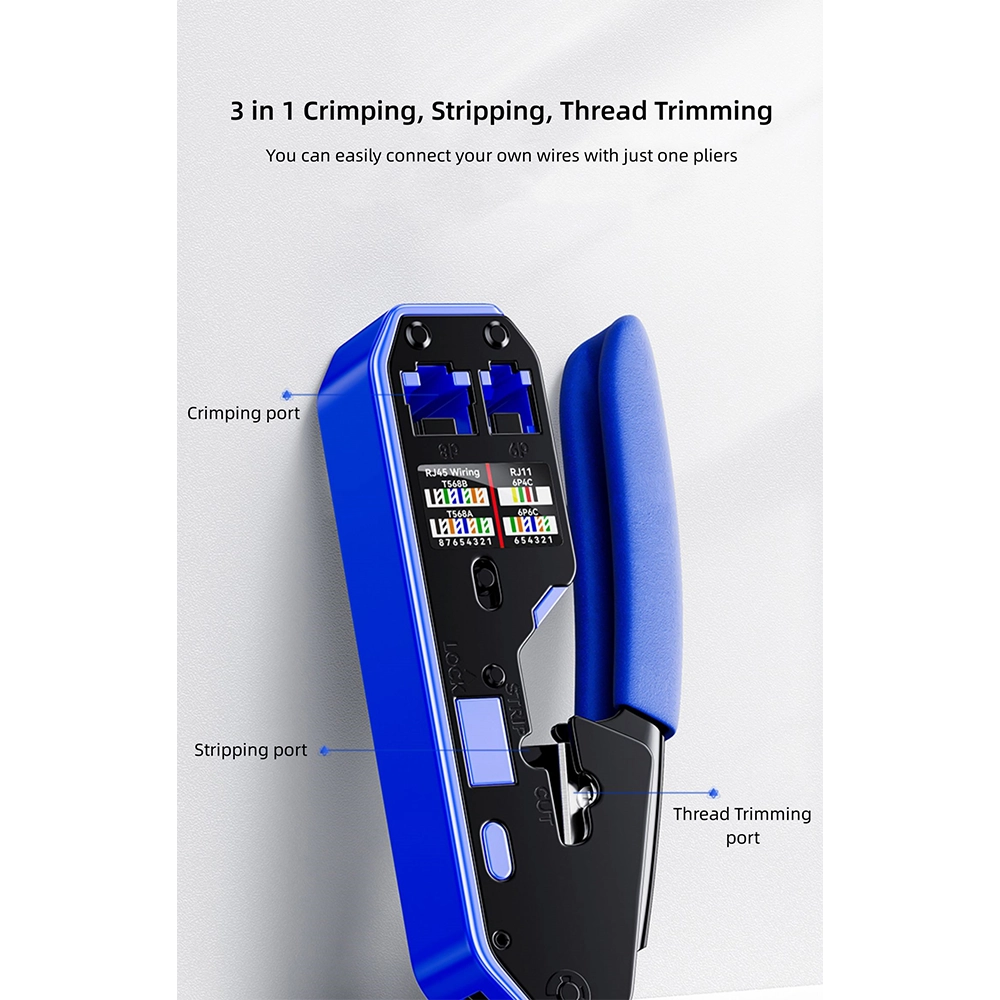
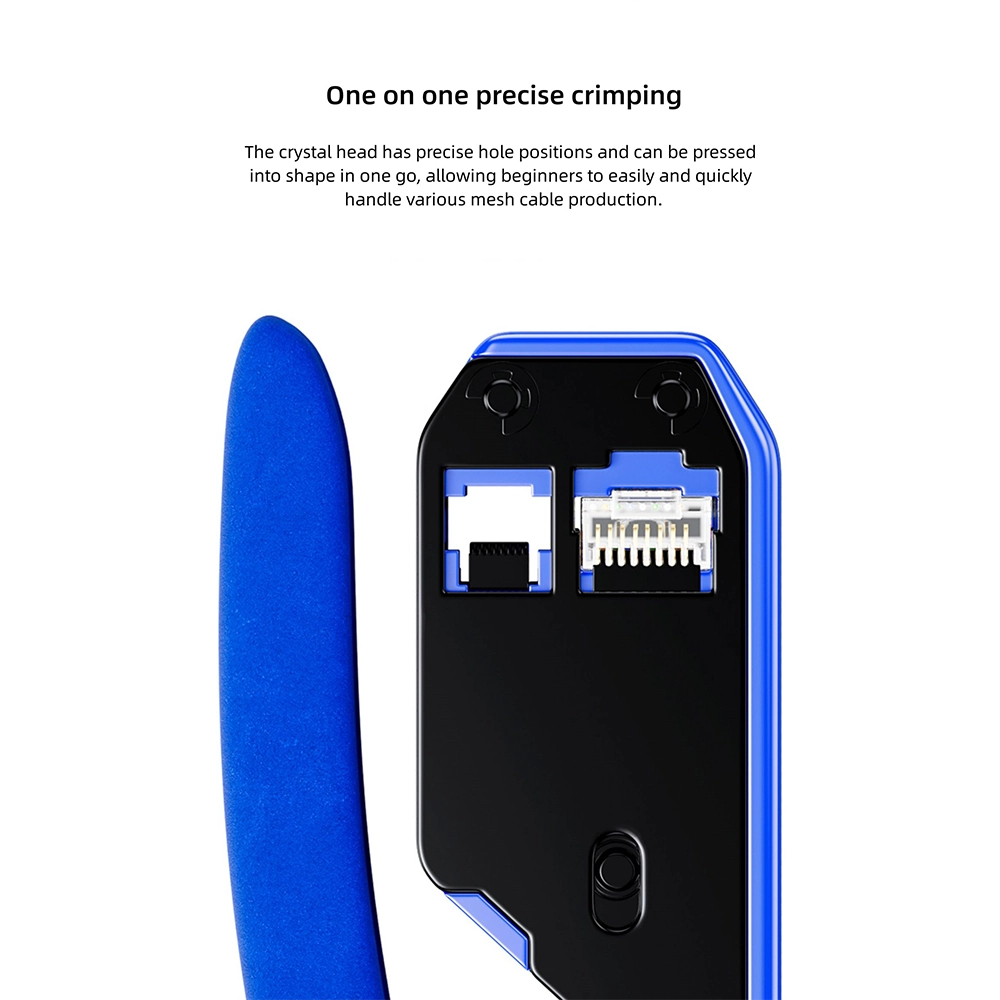
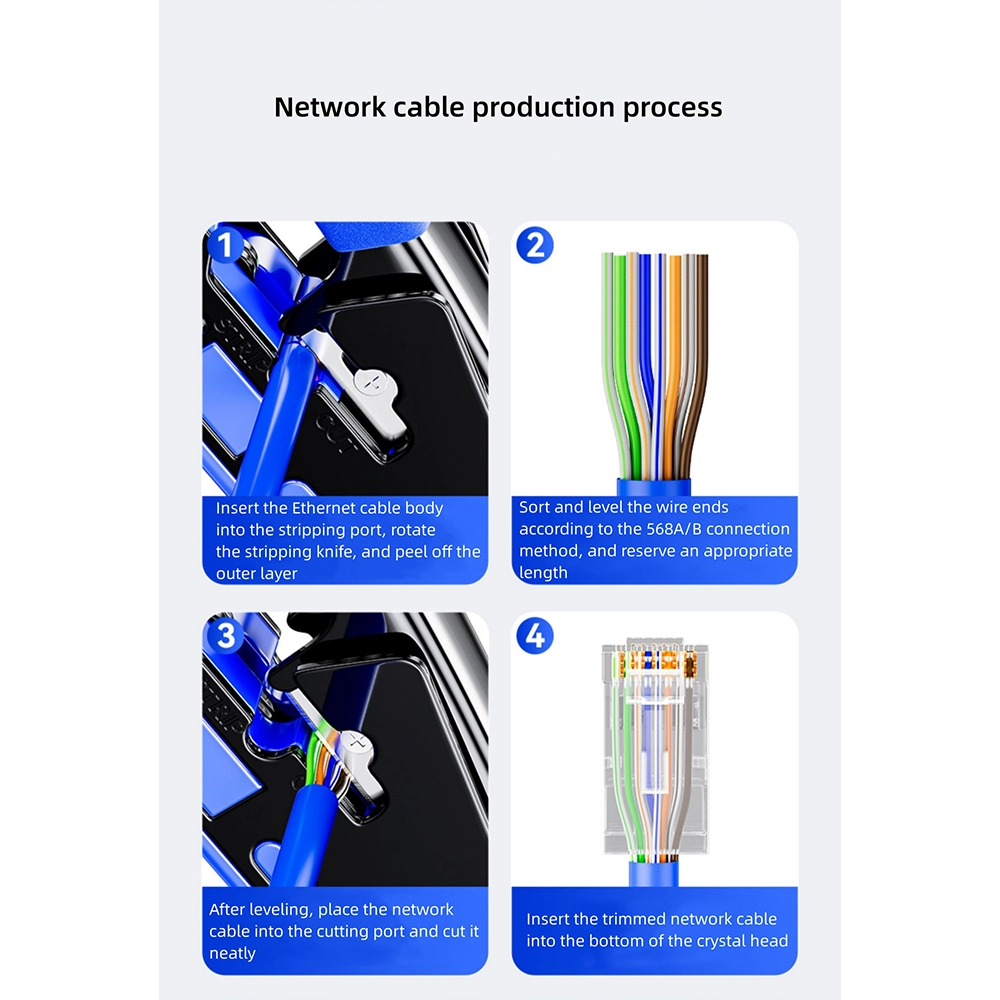
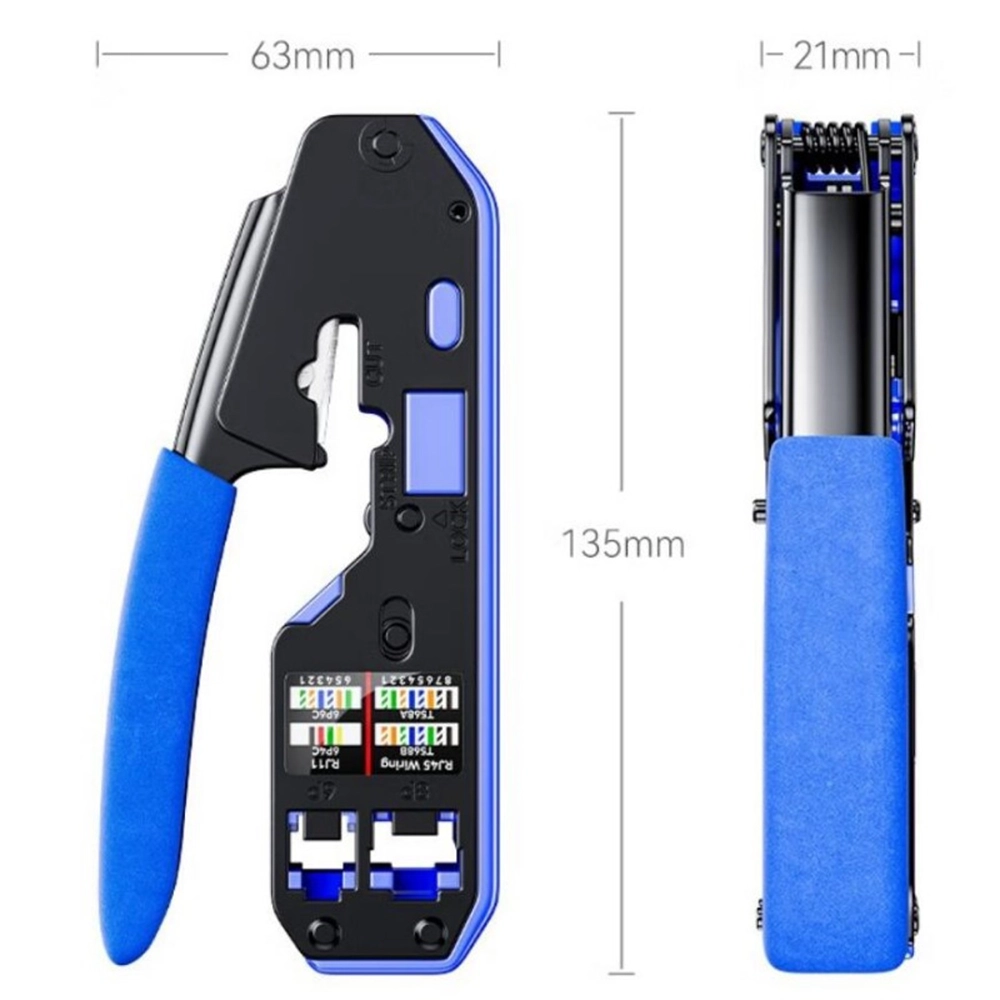
A network cable crimping tool like the DTECH DT-1047 combines stripping, cutting and crimping into a single pair of pliers, so a technician can terminate an RJ45 connector on Cat5 or Cat6 cable without switching between separate tools. It handles both standard and pass-through crystal heads, and its carbon-steel jaws are built with precise hole positions for a consistent, one-press crimp.
One pliers does all three jobs a cable termination needs: stripping the outer jacket, trimming the wires square, and crimping the crystal head into place. That’s fewer tools to carry and fewer handoffs mid-job.
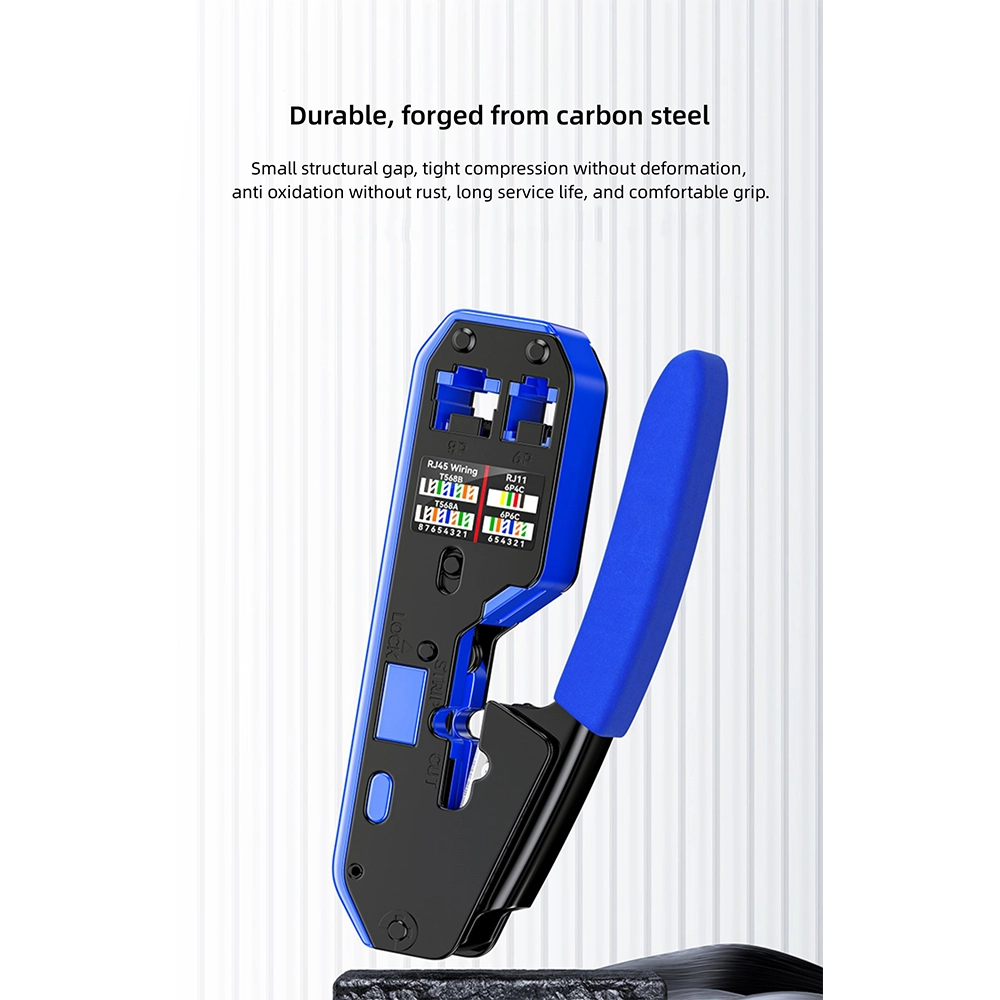
The jaws are forged from carbon steel with a small structural gap, so crimps compress tightly without deforming the connector. DTECH describes the finish as anti-oxidation and rust-resistant, aimed at a long service life, with a PVC anti-slip handle for a comfortable grip through repeated use. The crystal head’s hole positions are precise enough that a beginner can press a clean crimp on the first attempt.
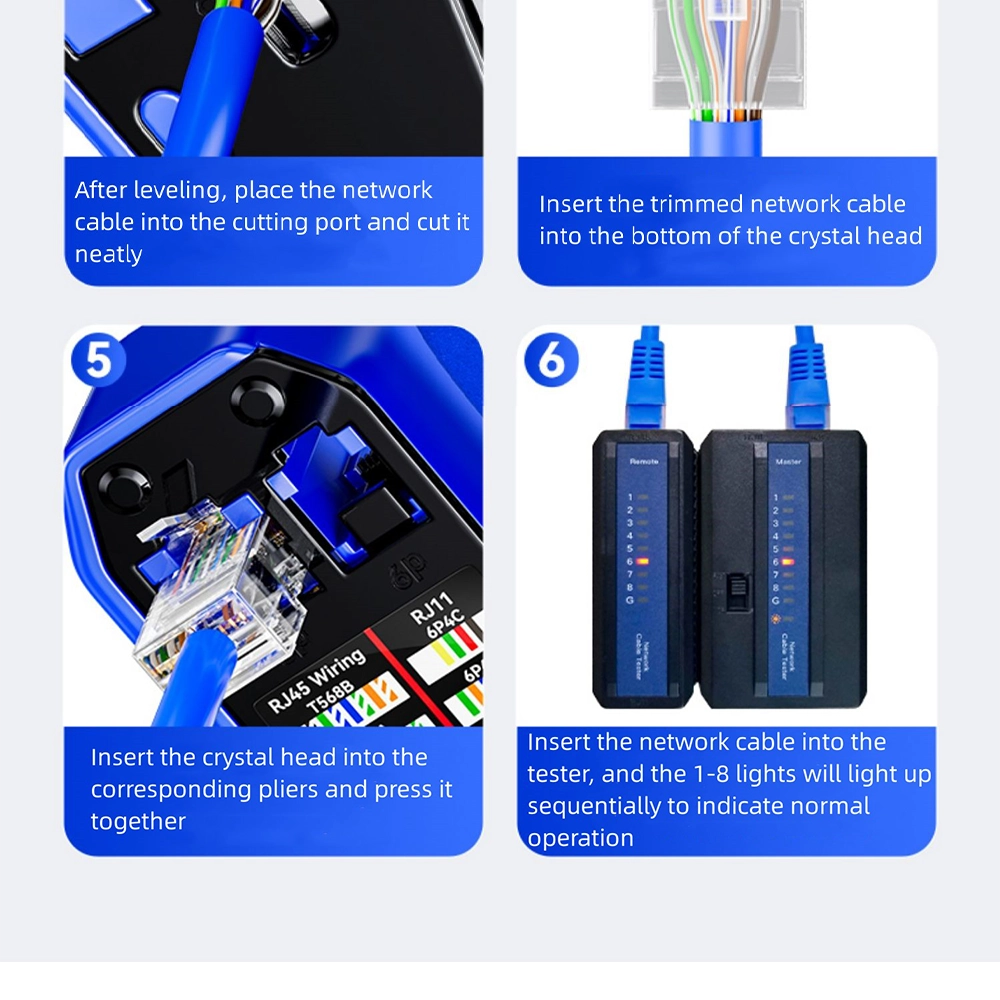
DTECH documents the full process for this tool:
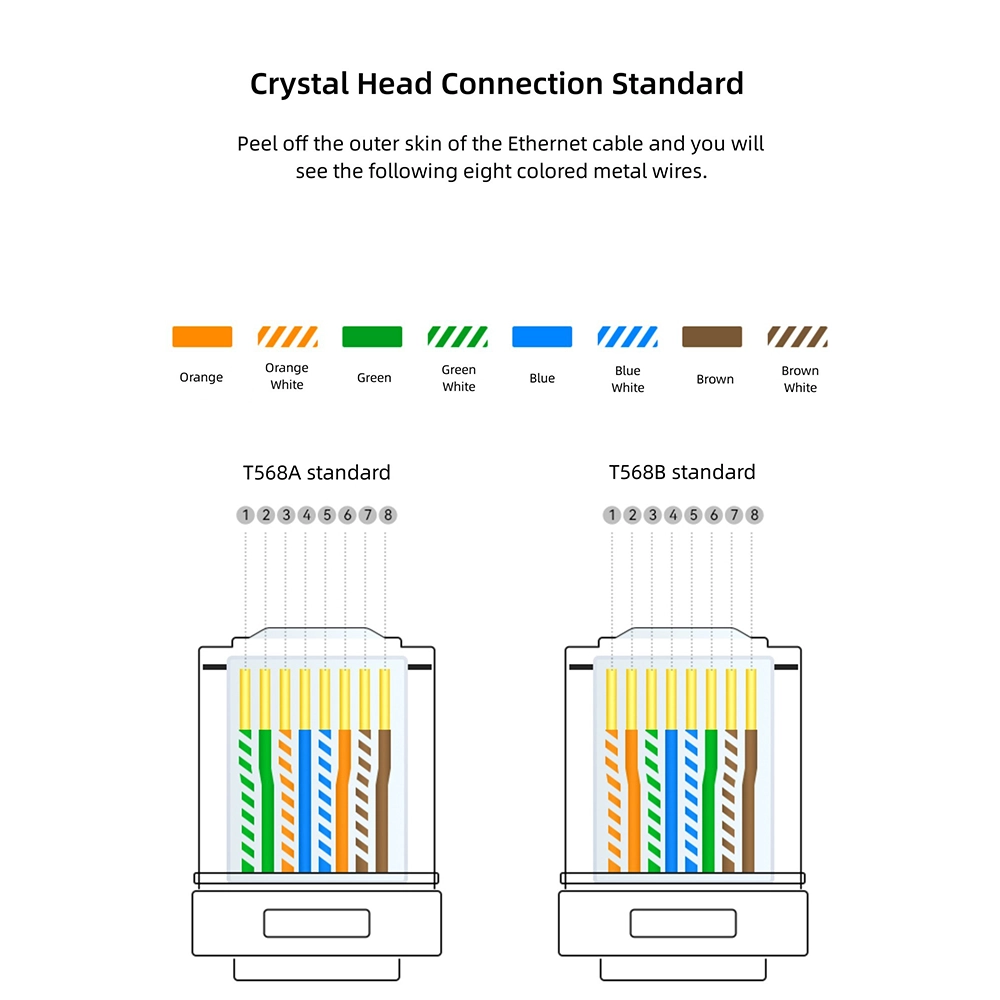
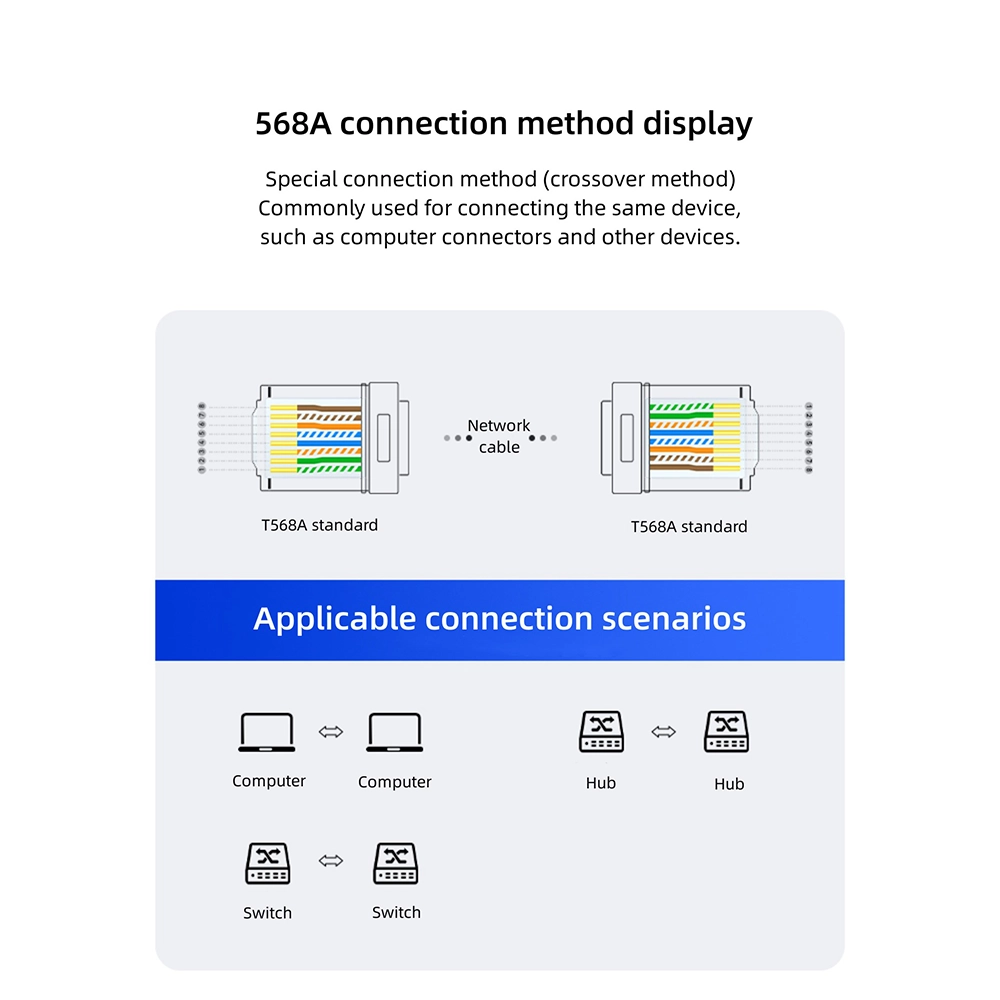
Both are variants of the TIA/EIA-568 wiring standard, and this tool works with either. 568A is the crossover-style wiring, historically used to connect two like devices directly to each other. 568B is the straight-through wiring most commonly used today, connecting a device to a switch or wall port. Whichever standard a job calls for, use the same one consistently at both ends of a cable run.
Step 6 above only works with a cable tester on hand — crimping the connector and confirming the termination are two different jobs. See BAM’s industrial serial and cabling range for testers and other termination accessories, and cross-link this tool directly with one of the DTECH continuity testers once both pages are live.
Pulled from the DTECH product page.
| Parameter | Specification |
|---|---|
| Product Name | Network Cable Pliers |
| Model | DT-1047 |
| Brand | DTECH |
| Function | Crimping crystal head (3-in-1: strip, cut, crimp) |
| Crystal Head Types | Standard and pass-through (perforated) |
| Jaw Material | Forged carbon steel |
| Handle | PVC anti-slip |
| Wiring Standards Supported | TIA/EIA-568A and 568B |
| Cable Types | Cat5 / Cat6 |
| Warranty | 1 year |
Does this network cable crimping tool work with pass-through connectors? Yes — it crimps both standard and pass-through (perforated) RJ45 crystal heads.
Do I need a separate stripper and cutter? No — it’s a 3-in-1 tool: stripping, cutting and crimping all happen with the same pliers.
Should I wire it 568A or 568B? Use 568B (straight-through) for connecting a device to a switch or wall port — the most common case today. 568A (crossover) is the older method for connecting two like devices directly. Use the same standard at both ends of a run.
How do I know the crimp worked? Plug the finished cable into a cable tester; lights 1 through 8 should light in sequence to confirm all eight wires are correctly terminated.
Share your thoughts with other customers
WhatsApp us
Reviews
There are no reviews yet.